Folks Inventory ERP runs the physical side of the business on one SQL-Server engine: the Requisition → Plan → Tender → Purchase Order → Delivery → Stock procurement pipeline, live stock balances across every store, a built-in point of sale, asset registers and double-entry accounts — all wired through stored procedures, no ORM. This hub is your complete User Manual and a hands-on Training Workbook in one place.
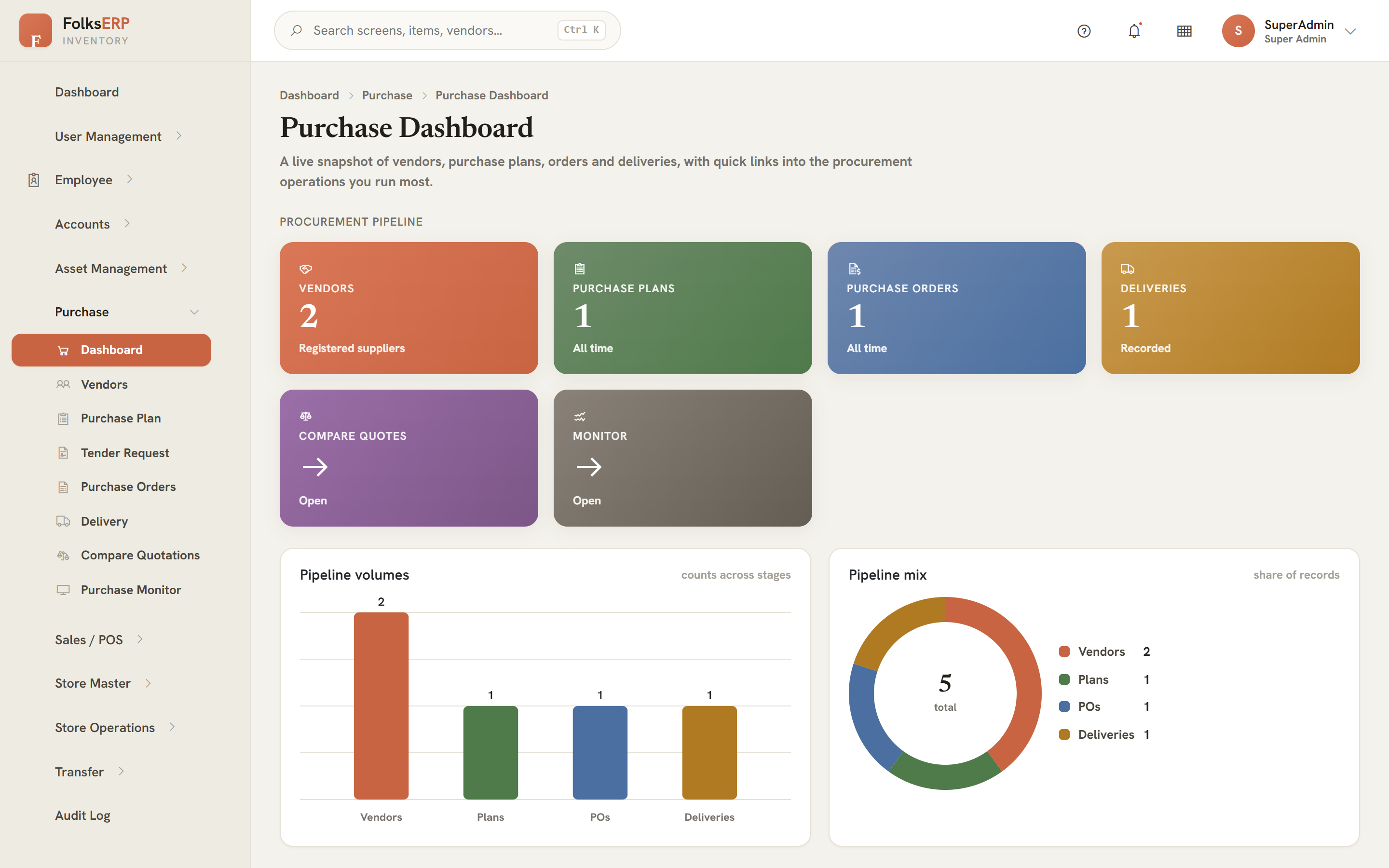
Procurement is not a single screen — it is a tracked pipeline. A store raises a need; the system carries it through planning, tendering and award, then lands the goods back on the shelf, stamping a live status at every hop.
A store asks for an item and a quantity it is short on.
/storeitemreqBuyer reviews the need and plans the order quantity.
/purchaseplanGenerate indents, float a tender to active vendors.
/createtenderreqCapture vendor quotes and rank them side by side.
/comparequotLowest compliant quote wins a purchase order.
/processpoLogistics, delivery note, and stock lands at the store.
/deliveryEach stop stamps the plan with a live status — New Request → Indent Generated → Tender Created → Delivery Processing → Delivered — so a buyer always knows exactly where any item sits, and the goods that arrive flow straight into Store Entry, updating the stock balance the moment they are received.
Browse the reference when you need an answer, or follow the workbook to build hands-on competence across the whole stock-and-trade lifecycle.
The complete reference — a 10-part manual covering all 11 modules and 76 pages: the warehouse core, the procurement pipeline, point of sale, inter-store transfers, asset registers, double-entry accounts, RBAC, the SQL-first architecture, a status reference, troubleshooting and a glossary. Illustrated throughout with true-to-app screen schematics.
Open the manual Hands-on20 progressive labs and a final assessment, all built around one running case study — the Al-Murjan Café & Bakery chain. Take it from store and item setup, through a real requisition that becomes a purchase order and a delivery, into POS sales, an inter-store transfer, a stock audit with variance, a period close and the journal entries behind it — the full Folks Inventory loop.
Start trainingThe platform's core principles — threaded through every page of these docs.
Every read and write runs through a named stored procedure — generic CRUD SP_s plus rich DevSP_ workflow procs. No ORM, no LINQ in business logic.
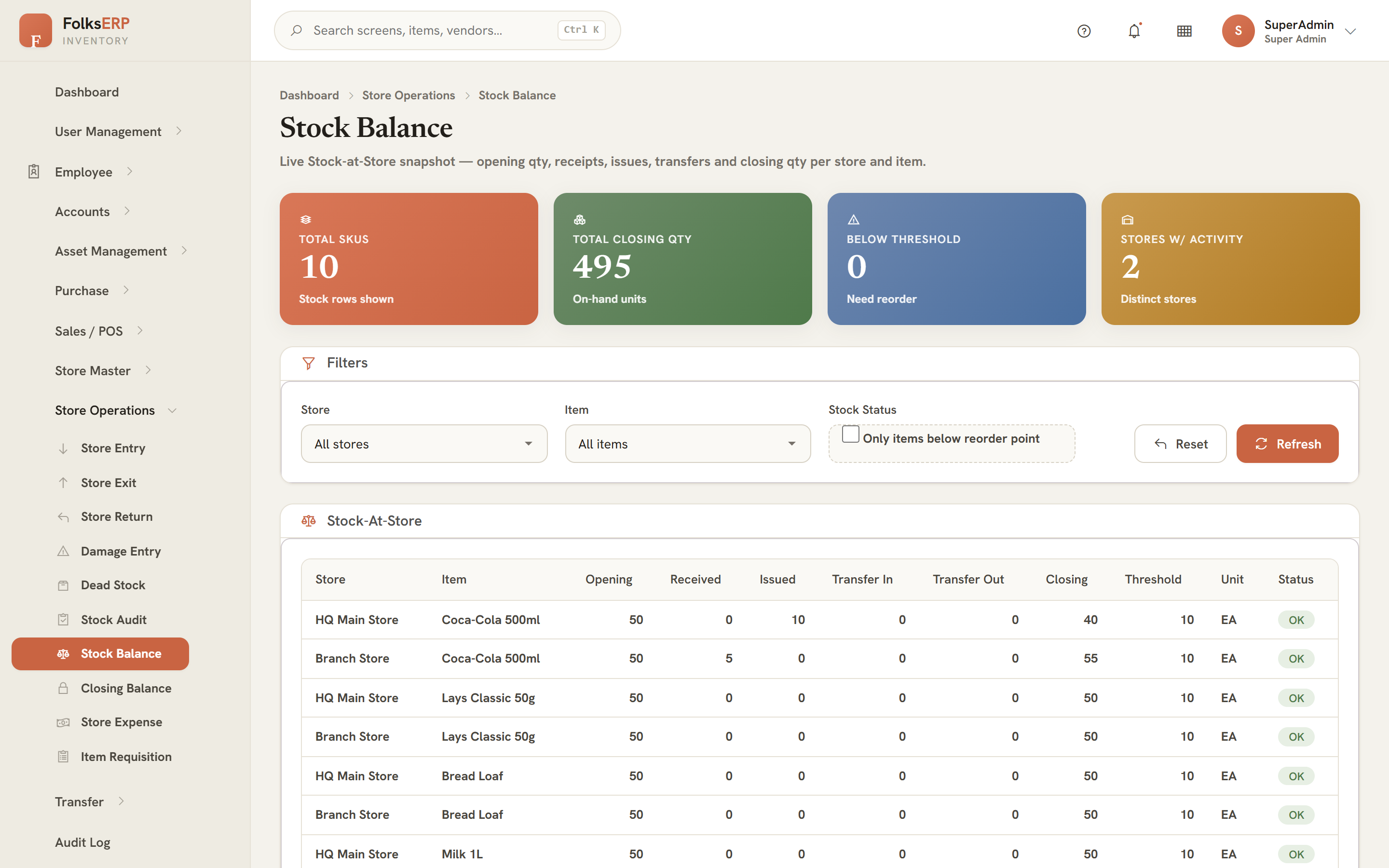
Entry, exit, sale, transfer, return and damage all post movements that keep StockAtStore true to the shelf, in real time.
Requisition → Plan → Tender → Quote → PO → Delivery, each stop stamping a live status and writing a real document chain.
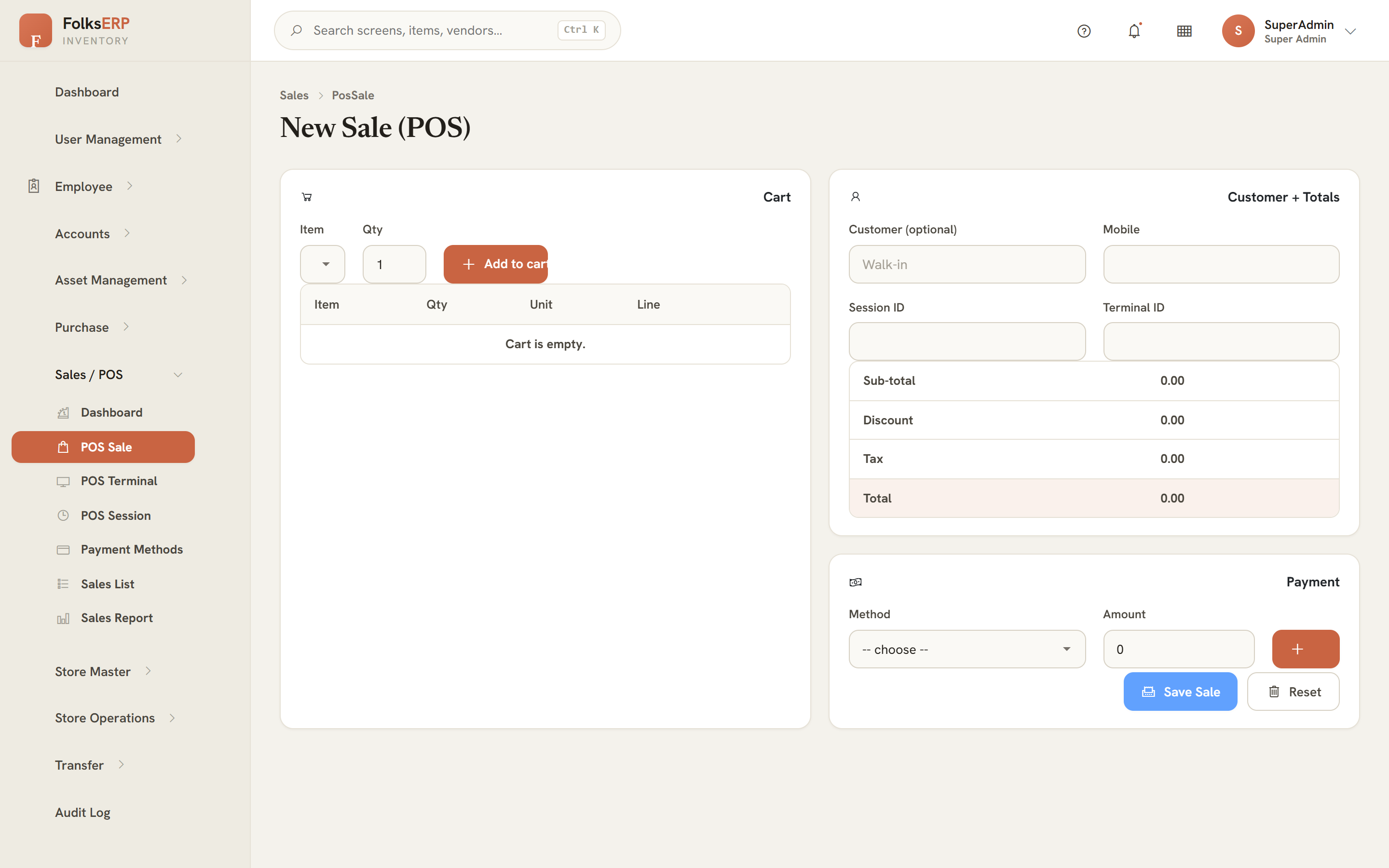
Sessions, terminals, payment methods and a day-close, selling straight out of store stock with a receipt and an audit trail.
Menus, pages and actions gated by role privileges seeded in the database. You see exactly what your role grants — nothing more.
Server-side Blazor over SignalR — live dashboards, instant validation and the warm "clay" theme the whole suite shares.
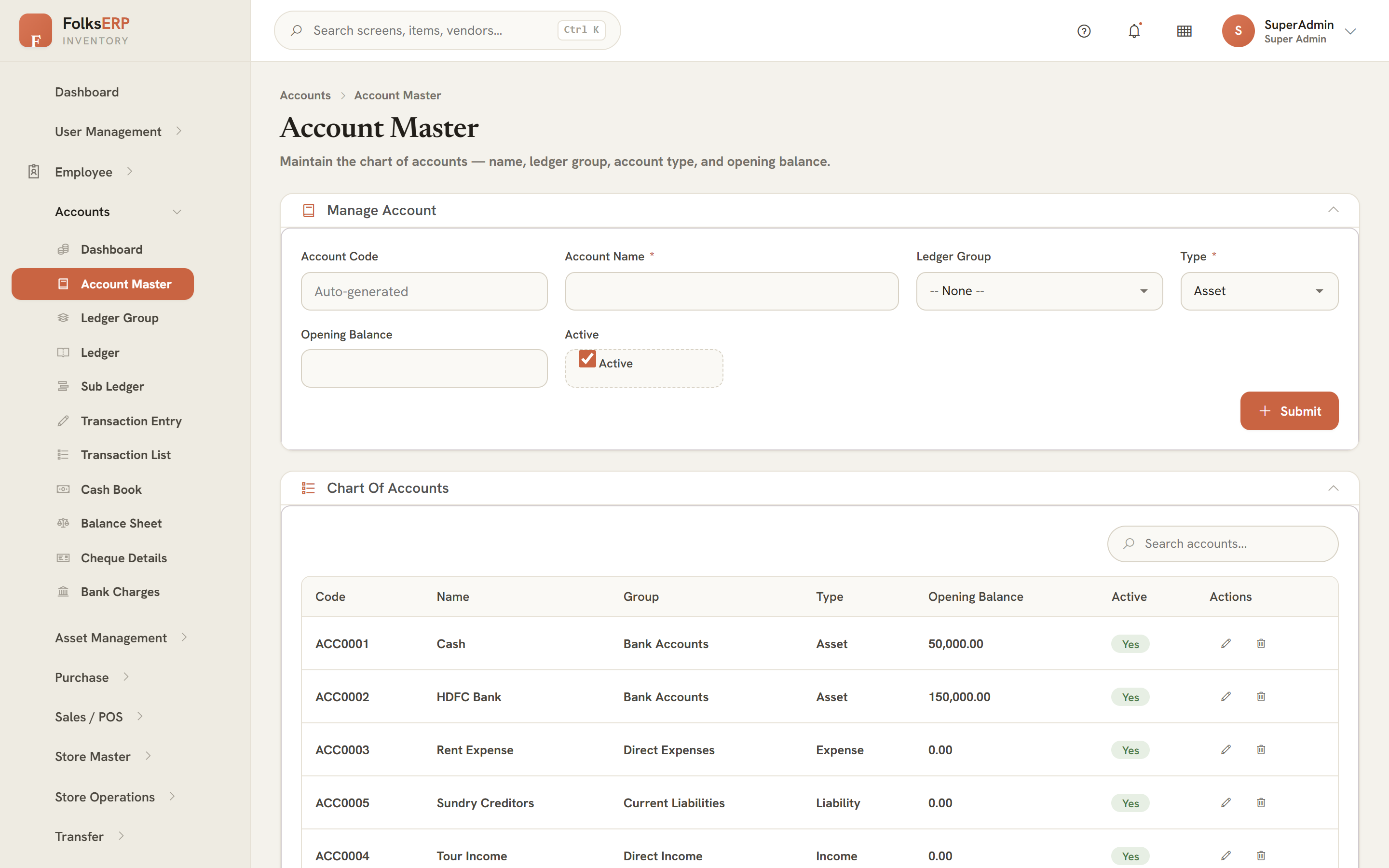
A real chart of accounts, balanced journal vouchers, cash book, cheques and a balance sheet — the money side of every move.
Full English and Arabic with right-to-left layout, switchable from the top bar in a single click.
The navigation groups into six pillars. Click any module to jump straight to its chapter in the manual.
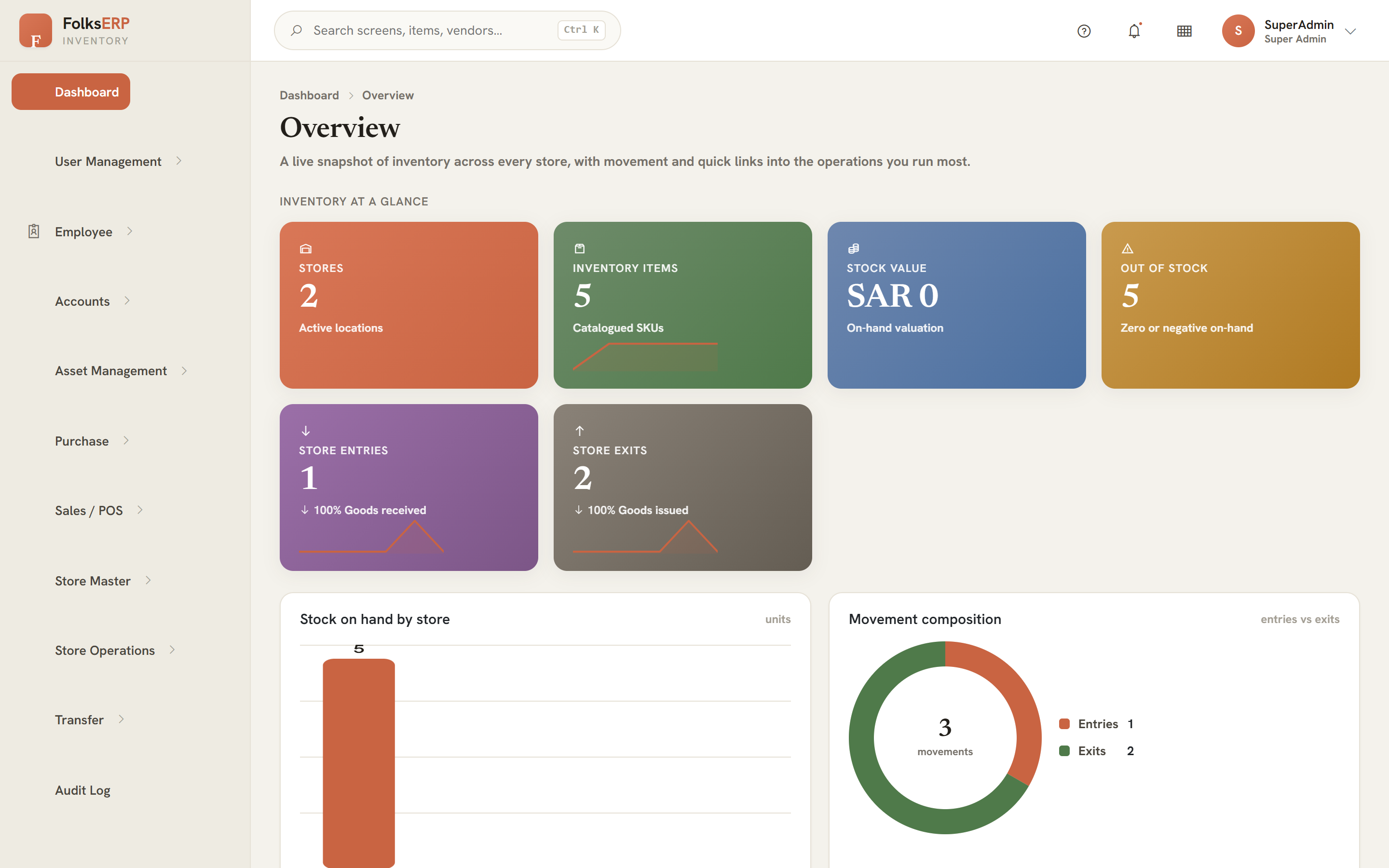
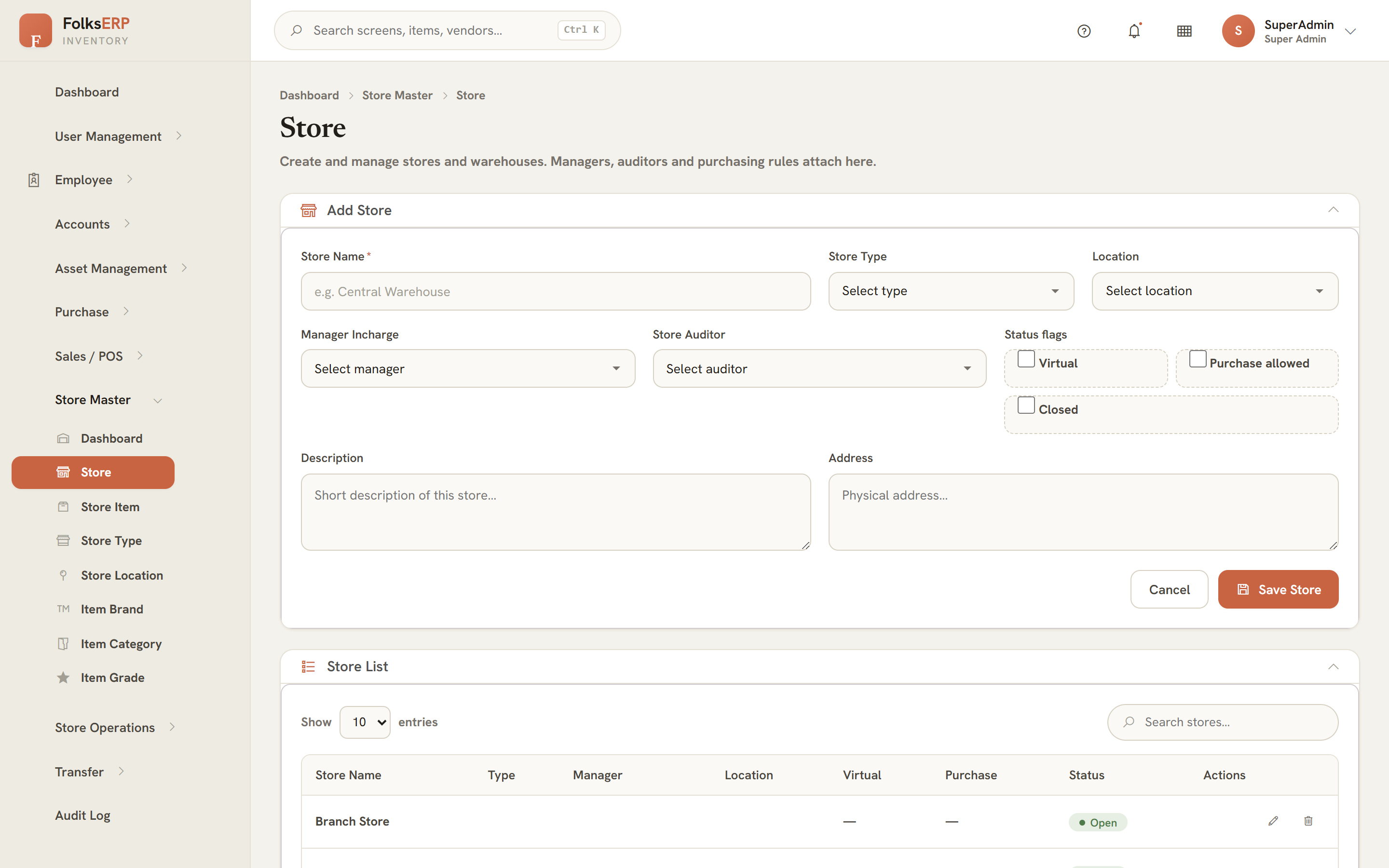
Real screens captured live from the running app — click any to enlarge. Every one is documented page-by-page in the manual.
Throughout the manual, screens are also drawn as lightweight CSS schematics — fast to load and easy to annotate.
| Item | Store | On hand | Status |
|---|---|---|---|
| Bread Loaf | HQ Main | 24 | In stock |
| Coffee Beans 1kg | HQ Main | 6 | Low |
| Paper Cups | Branch 2 | 0 | Out |
Shortcuts to the pages and labs people open most.
Start with the manual for the concepts, then run the Al-Murjan Café & Bakery case study in the workbook to make it stick. Both are self-paced and fully printable.